They assume YouTube will notice the effort and reward them with views.
But YouTube doesn’t reward effort.
It rewards clarity, packaging, signals, and viewer behavior.
That’s why so many genuinely good videos stall at 20-30 views. Not because the content is bad, but because the upload process silently sabotages them. The algorithm cannot “feel” your hard work. It only reads data: clicks, watch time, session depth, and engagement signals. If your upload doesn’t communicate clearly, YouTube simply has no reason to test it.
If your videos don’t take off, it’s rarely the idea. It’s almost always how the video is introduced into the system. Your upload is not a formality, it is the distribution engine.
This guide shows you a modern YouTube upload workflow that prevents hidden mistakes, boosts discoverability, and aligns your content with what YouTube actually cares about. It is the same logic used by channels that scale predictably instead of hoping for luck.
If your long-term goal is to turn views into income, you need a system that connects growth to revenue. Once your uploads perform consistently, monetization becomes logical, not emotional.
Why Most YouTube Videos Fail Before They Even Go Live
YouTube doesn’t decide a video’s fate after it’s published. It begins judging the moment your file enters the platform. While you’re filling in fields, YouTube is building a context profile around your content.
Your thumbnail, title, description, tags, category, settings, end screens, and viewer signals all work together to define who your video is for. That profile determines:
- Who YouTube tests your video with
- How fast impressions scale
- Whether your channel earns authority or gets suppressed
Most creators upload with optimization blindness. They fill the boxes, assume everything is fine, and move on. But YouTube doesn’t grade on “probably fine.” It only responds to strong clarity.
If YouTube cannot instantly understand your video, it won’t gamble on it. And when the system stops testing your content, growth becomes impossible. This is where most channels stall.
If you want your channel to support real income instead of random spikes, you need a repeatable upload system, not guesswork. That’s exactly why serious creators choose personal guidance instead of struggling alone.
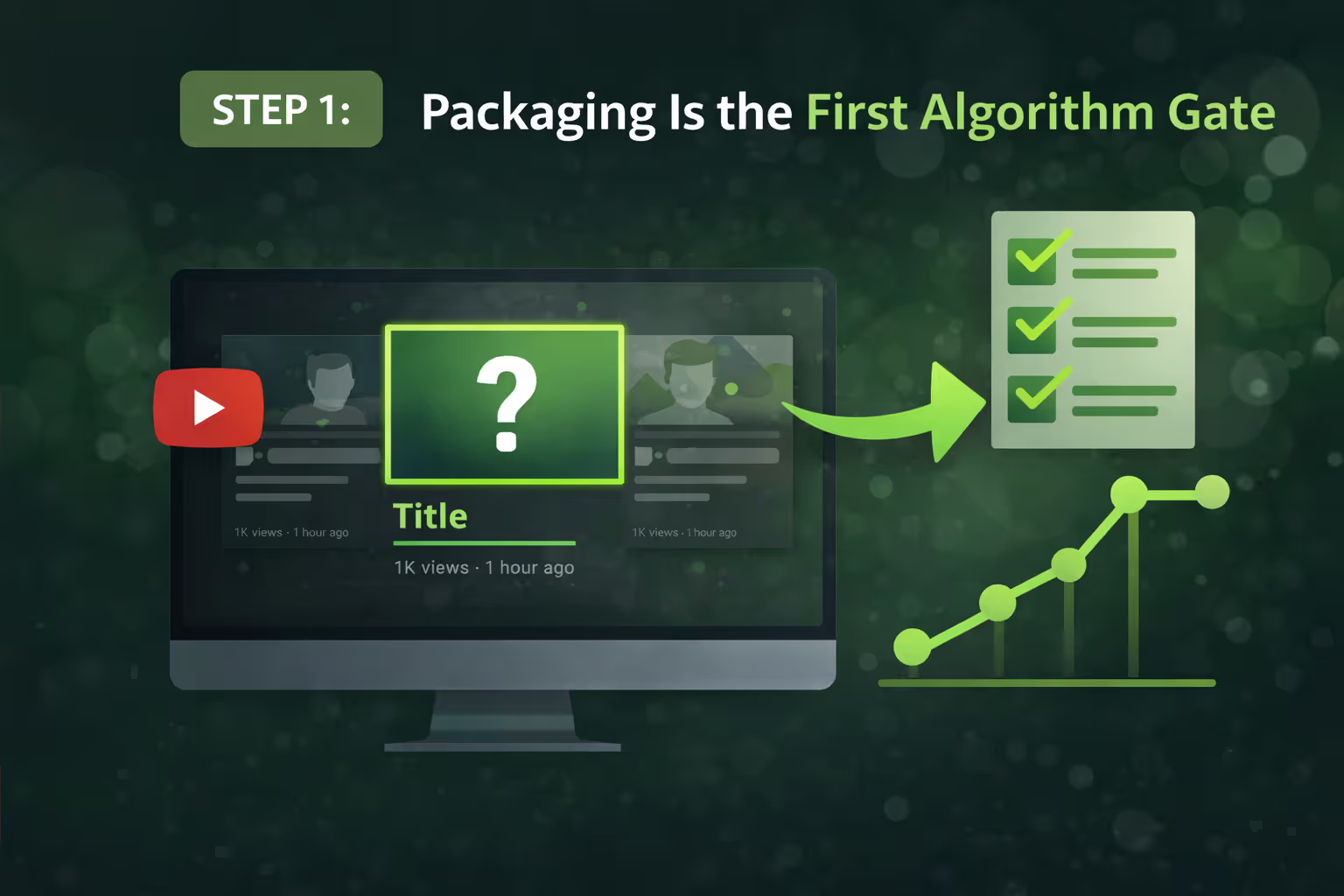
Step 1: Packaging Is the First Algorithm Gate
Your thumbnail and title are not decoration. They are distribution triggers. They tell YouTube whether people will click, and they tell viewers whether your content is worth their attention.
A thumbnail that looks great in Photoshop can completely disappear once it’s surrounded by other videos. Color, contrast, facial expression, emotional tension, and text hierarchy all change once your video is placed into a crowded feed.
Before publishing, you must preview your video on:
- The YouTube homepage
- Search results
- Mobile screens
If it does not stand out there, it will not get clicked no matter how good your content is. YouTube only scales what people choose.
When your packaging is optimized, YouTube sees strong early click signals. Those signals unlock testing, impressions, and momentum. This is how channels begin to grow predictably, the same principle that later supports product funnels and affiliate income systems.
If you want your channel to eventually monetize consistently, packaging is the very first income gate.
Step 2: Titles Should Be Tested, Not Guessed
Most creators write a title at the very last second, often while the video is already uploading. That is completely backwards. Your first idea is almost never your best idea, because it is usually based on what you like, not on what your audience responds to. Titles are not just labels, they are targeting systems. They decide who YouTube shows your video to, how it frames your content, and what kind of viewer clicks in the first place.
One single word can change everything:
- The audience type
- The recommendation pool
- The video’s long-term ceiling
When you test multiple titles, you remove emotion from the process and replace it with data. You allow the platform to tell you which angle creates curiosity, clarity, and urgency. This is no different from split-testing sales pages or ad copy in online business. The best-performing creators are not “better guessers”, they are better testers.
When you treat your titles like conversion levers instead of creative guesses, your channel becomes more predictable. Predictability is what allows YouTube to turn into a real business instead of a lottery ticket.
Step 3: Turn On Remixing (It’s Free Discovery)
Remixing allows Shorts creators to clip your content and share it in their own vertical videos. This creates dozens of potential entry points into your channel that you never had to produce yourself. Every remix becomes a small advertisement for your brand, your personality, your ideas, and it runs 24/7.
When remixing is enabled, Shorts stop being a separate content format and start becoming traffic funnels. They build awareness, trust, and subscriber flow that leads directly into your long-form ecosystem. This is especially powerful for small channels because it bypasses the slow growth phase and injects new viewers into your system faster.
If you block remixing, you block these growth loops before they even start. You are cutting off organic discovery that could have introduced thousands of new people to your channel. Free distribution should never be turned off.
Step 4: Tags Still Matter (Context Signals)
Tags are not designed to make you viral. Their real purpose is to help YouTube correctly understand your content when your channel is still small and your authority is low. They act as clarification signals when the algorithm is unsure how to categorize you.
Accurate tags reinforce meaning. They support your title, description, and spoken keywords inside the video. This alignment tells YouTube exactly what your content is about and who should see it. Without these signals, your video may be tested in the wrong pools and fail even if the content is strong.
Clear context leads to better testing. Better testing leads to reach. Reach leads to monetization opportunities. Tags don’t create success, but they prevent confusion that kills it.
Step 5: Categories (Just Use Common Sense)
Categories are outdated, but they still exist as a minor classification signal. Choosing the wrong one doesn’t usually hurt immediately, but it does add unnecessary noise to YouTube’s understanding of your channel.
Think of categories as a final alignment check. They won’t boost your views, but they can confuse the system if chosen incorrectly. When YouTube receives mixed signals, it slows testing. When testing slows, growth stalls.
Clarity always wins. Choose the closest option, confirm that it matches your niche, and move on. Don’t overthink it, but never ignore it.
Step 6: End Screens Control Channel Authority
Your end screen is not just a design element, it is a behavioral signal. It tells YouTube whether your viewers want more from you or whether they leave the platform. This single action influences how much trust YouTube places in your channel.
If viewers continue watching, your authority grows. If they leave, your distribution power shrinks. Over time, this compounds across your entire channel. One bad habit repeated across dozens of videos can quietly suppress your reach.
Guide viewers intentionally. Treat your end screen like the next step in a funnel. Show them where to go, explain why, and keep them inside your ecosystem.
Step 7: Never Publish in Low Quality
Publishing before HD processing is finished creates a terrible first impression. Your most loyal viewers click early, see a blurry video, and instantly lose trust. That moment can permanently damage how your channel is perceived.
Trust shapes session time. Session time shapes algorithm confidence. Algorithm confidence shapes growth. This chain starts with your viewer experience.
Waiting an extra hour protects your reputation and signals professionalism. Patience here is not a delay, it is a strategic investment in long-term performance.
Step 8: Kill Optimization Blindness
Most creators assume their upload is fine because nothing looks broken. But YouTube does not warn you when your optimization is weak, it simply stops testing your content.
Without feedback, you repeat the same mistakes. With scoring systems and audits, you gain clarity. Clarity allows you to improve systematically instead of emotionally.
Data replaces guesswork. Systems replace chaos. And systems are what scale.
Step 9: Mobile First
If your video is hard to see on a phone, people will leave. They won’t complain. They will scroll. YouTube will notice.
Retention is the foundation of revenue. If you cannot hold attention, nothing else matters. Mobile testing protects your watch time, your authority, and your growth.
Step 10: Pin Comments Drive Engagement
Pinned comments create interaction where viewers already are. They invite conversation, feedback, and community. This engagement signals relevance and authority to YouTube.
Authority creates leverage. Leverage creates opportunity. This is how channels turn into brands.
The Smart Upload Workflow
When uploads become systematic, growth becomes predictable, and predictability is what separates creators who “try YouTube” from creators who build a real business on YouTube. Random uploads lead to random results. But a repeatable workflow creates momentum you can measure, refine, and scale over time. Instead of hoping a video performs, you know it has been positioned correctly before it ever goes public.
This system removes emotional decision-making from your process. You are no longer guessing whether a title is good, whether a thumbnail stands out, or whether your metadata is “probably fine.” Everything is verified through structure and data. Over time, this compounds into authority, trust, and higher session watch time, the exact signals YouTube uses to reward channels with more exposure.
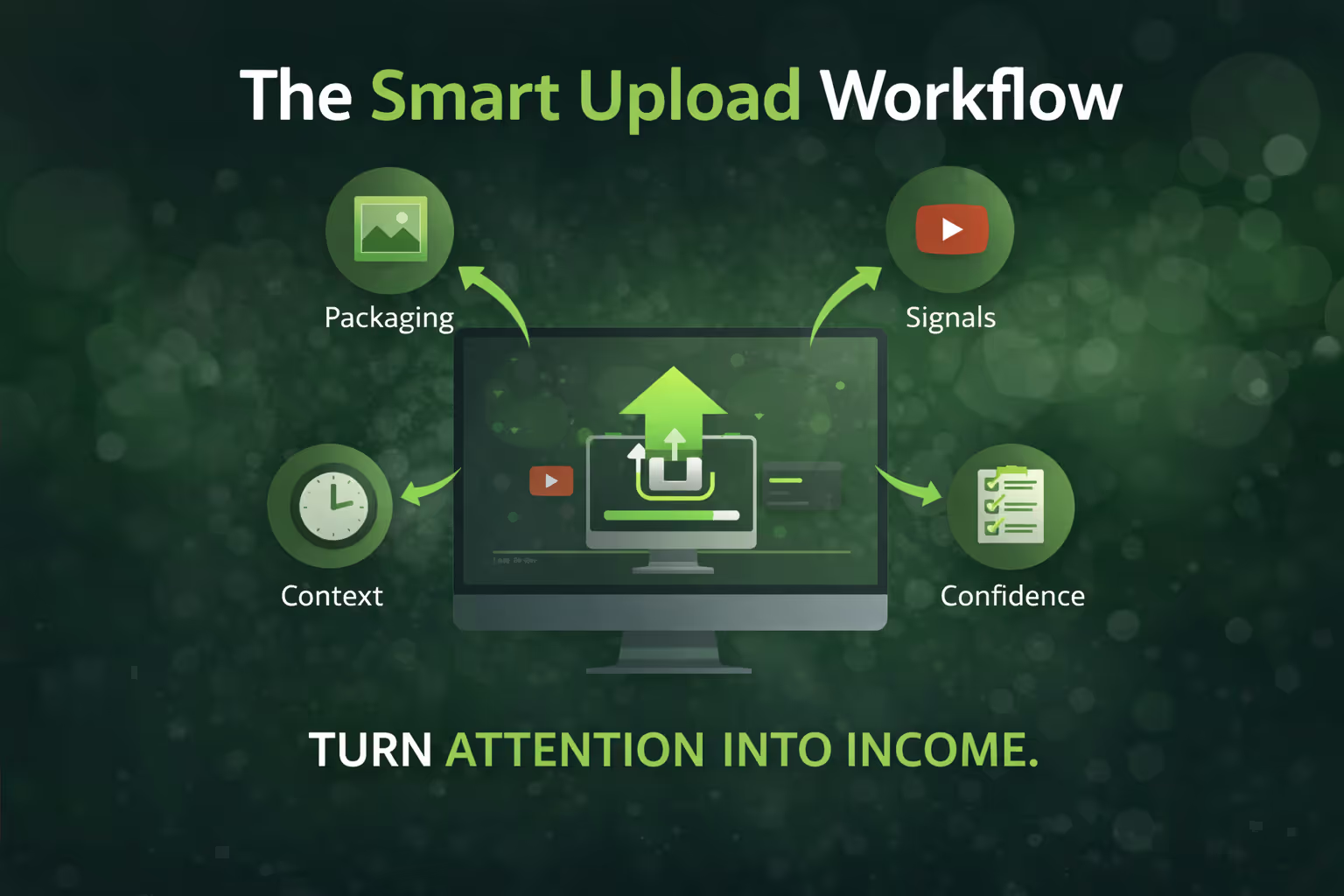
When your growth becomes stable, monetization becomes logical. You stop guessing and start building real income systems. If you’re ready to turn views into predictable revenue, this is your next step: